CUSTOM SIZE|CUSTOM COLOR|CUSTOM DESIGN
VR TRY ON
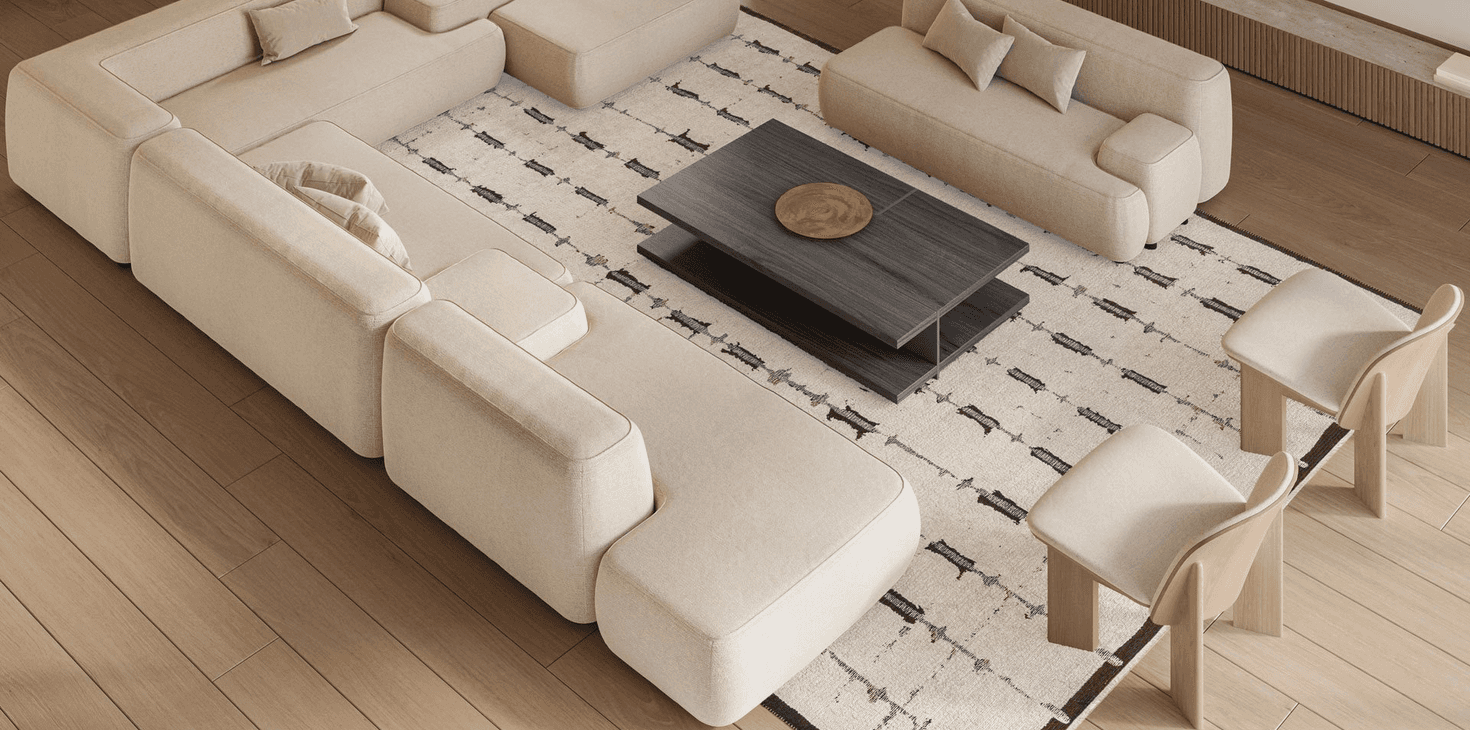
Upload a room photo, search a rug by article, and place it in your interior. Adjust size, rotation, shadow, and perspective for a realistic result.
Rug A
Copy the article of the selected rug and paste it here
Upload a room photo in seconds
Search by carpet article from the catalog
Scale, rotation, and perspective controls
Compare two rugs side by side
Download the result as PNG
Step 1
Upload a room photo and pick the best angle.
Step 2
Enter the rug article and select a size.
Step 3
Adjust position, perspective, and shadow.
Step 4
Save the result and share it with your designer or family.
Do I need to register?
No, the tool works in the browser without registration.
Can I compare two rugs?
Yes, enable compare mode and add a second rug.
Are photos stored anywhere?
No, everything stays on your device.
What if I cannot find a product code?
Leave a request and we will suggest alternatives.
Leave your contacts and we will help with the selection.